

Performance Pilot v2.9 (OC 3.X)
The Ultimate
OpenCart Speed & Optimization Suite
Description
Is your OpenCart store suffering from slow load times, high
server CPU usage, or poor Google Page Speed Insights scores?
Performance Pilot is an enterprise-grade optimization engine
that transforms OpenCart from a heavy e-commerce platform into a lightning-fast
modern application. Built with a beautiful, intuitive Control Center, this
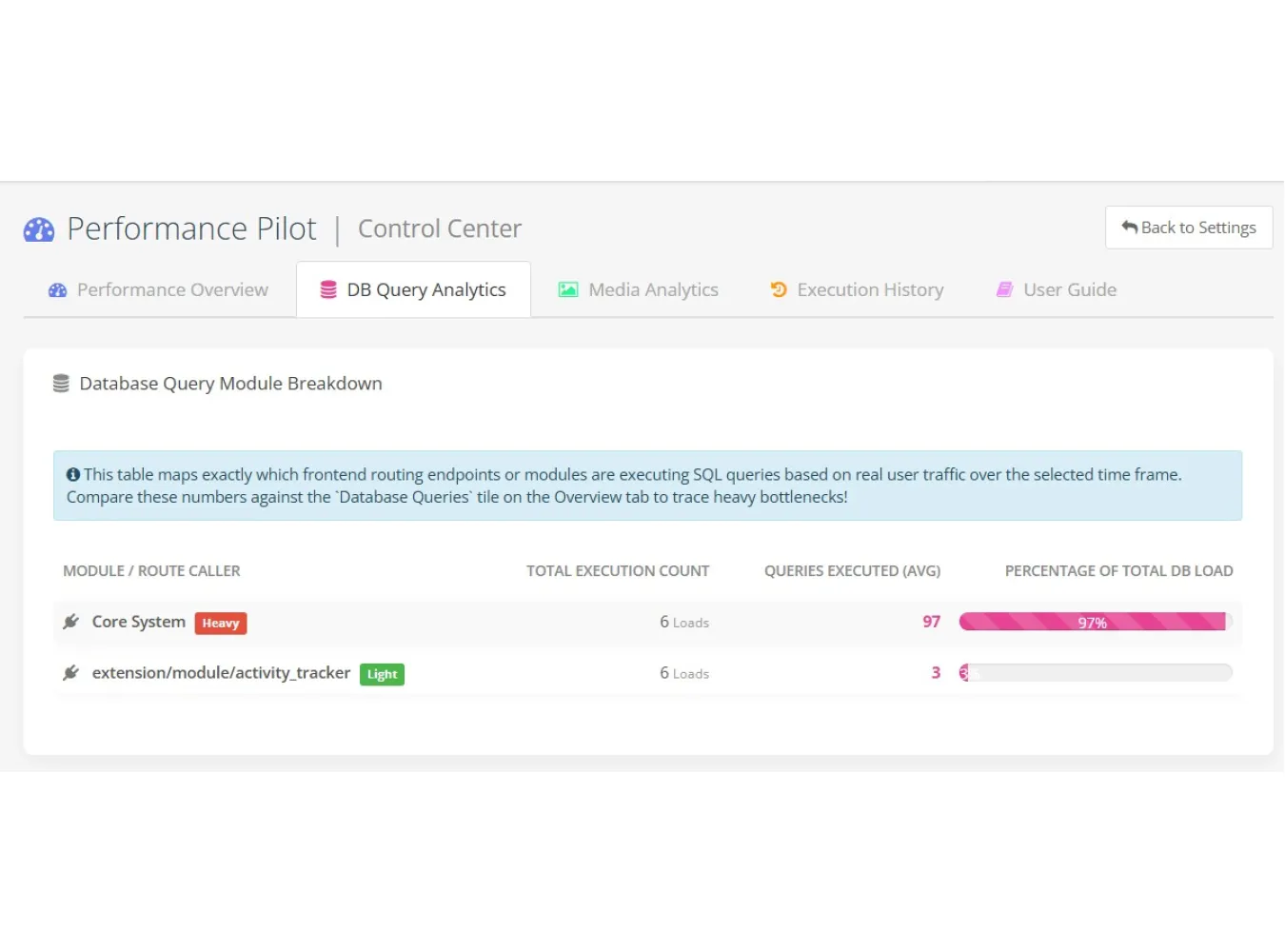
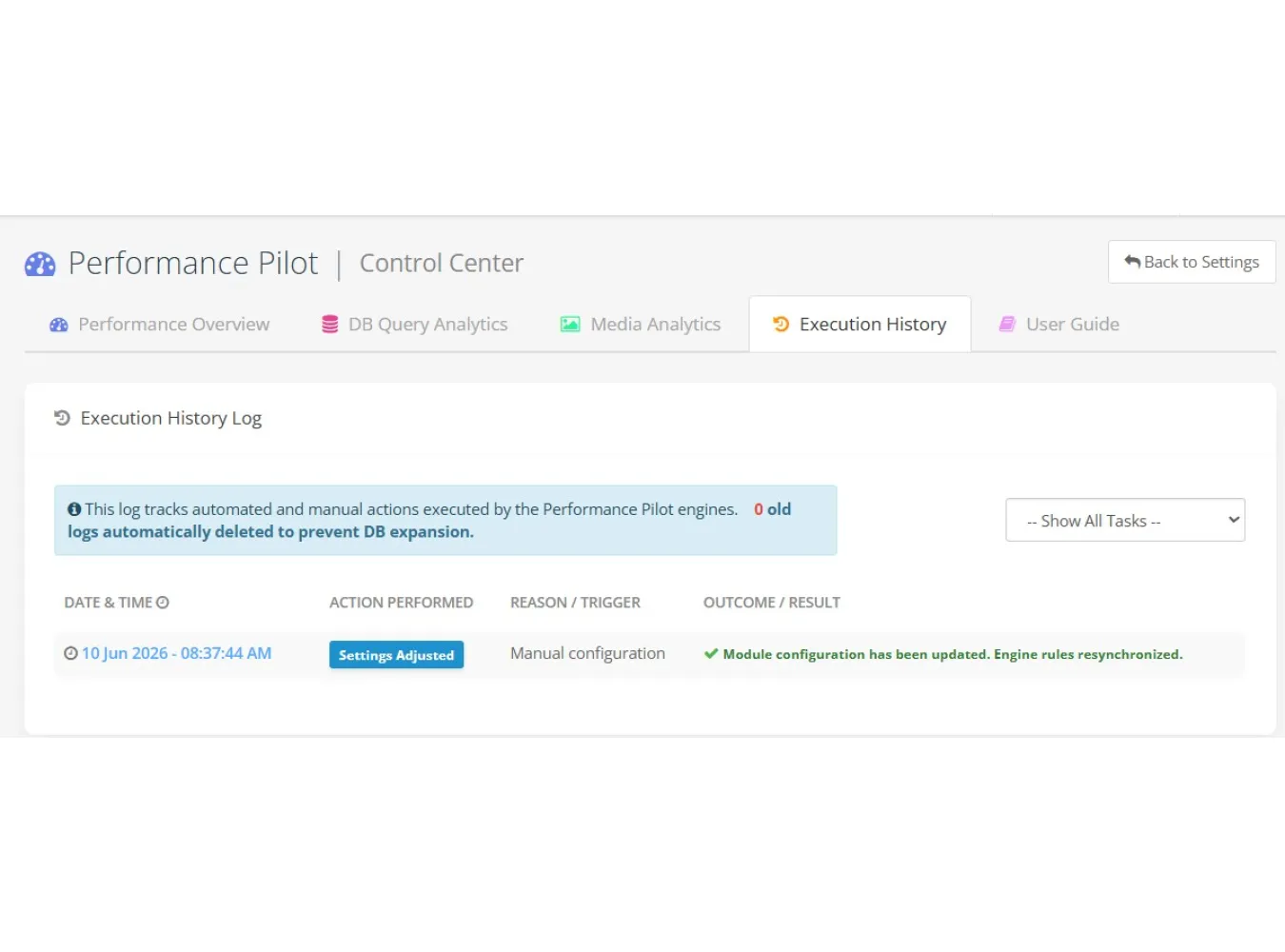
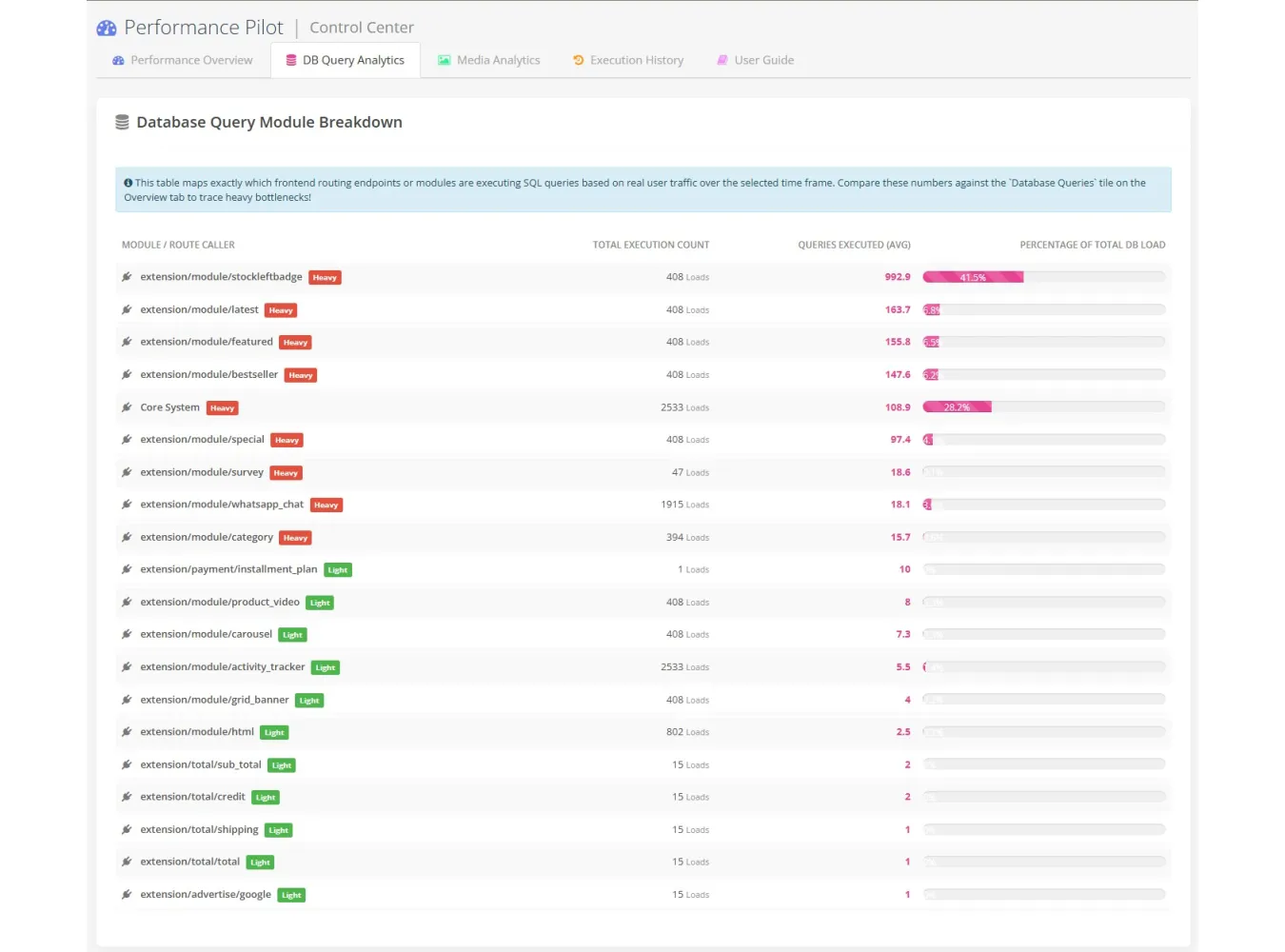
extension doesn't just blindly cache files, it actively monitors your database
queries, tracks your exact media storage footprint, and visually proves your
speed improvements with real-time 7-Day Performance Trend charts.
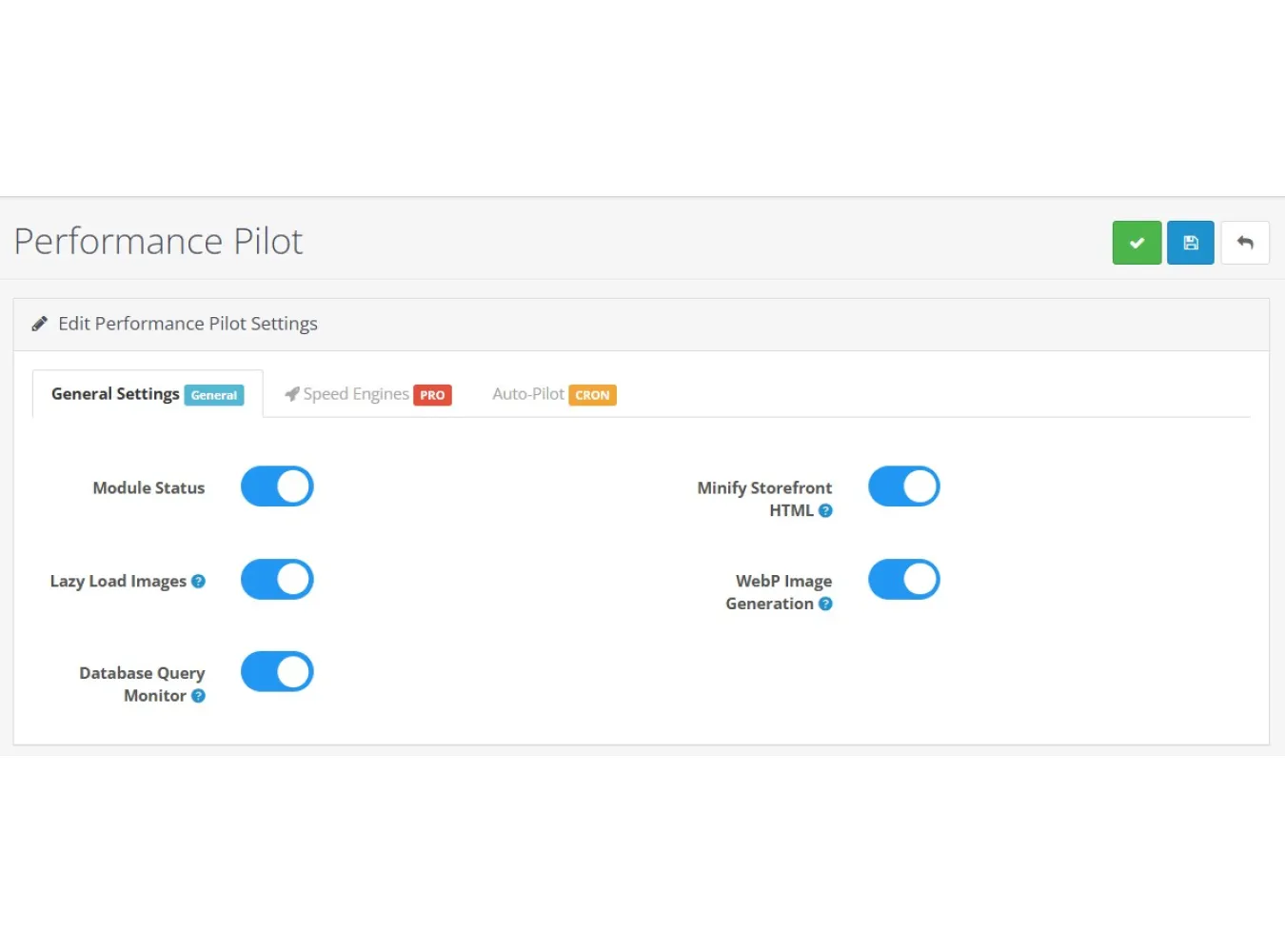
Whether you need Next-Gen WebP Image Generation, Guest Full
Page Caching (FPC), or seamless Render-Blocking JS Deferment, Performance Pilot
is the ultimate "set-it-and-forget-it" speed suite.
Core Benefits
Skyrocket SEO & Core Web Vitals: Passes Google’s strict
Core Web Vitals tests instantly by resolving "Defer render-blocking
resources" and "Serve images in next-gen formats."
Increase Sales Conversions: Amazon research shows that every
1-second delay in page load costs 7% in conversions. Performance Pilot pushes
TTFB (Time to First Byte) down to milliseconds.
Save Server Costs & Bandwidth: By intercepting
OpenCart's legacy image caching and generating WebP formats, you save up to 70%
in physical hard drive space and outbound bandwidth.
Prevent Database Melting: Stops OpenCart's notorious
recursive category-counting queries dead in their tracks, preventing server
crashes during high-traffic checkout hours.
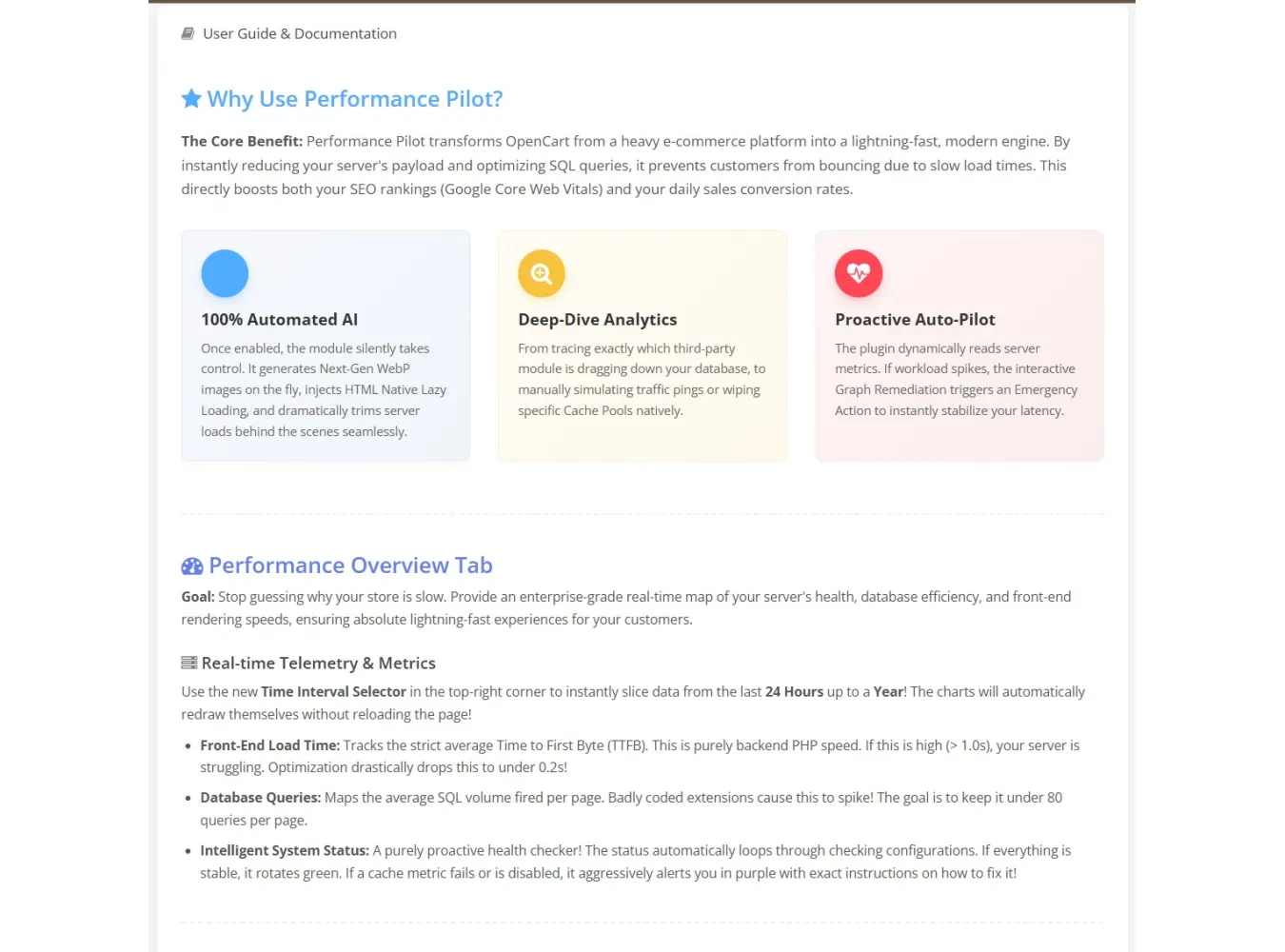
Idiot-Proof Guidance System: Not a developer? No problem.
The Dashboard features an intelligent "Smart Guidance" engine that
warns you if your store is unoptimized and specifically tells you which toggles
to turn on for maximum performance.
Elite Features > PRO Speed Engines
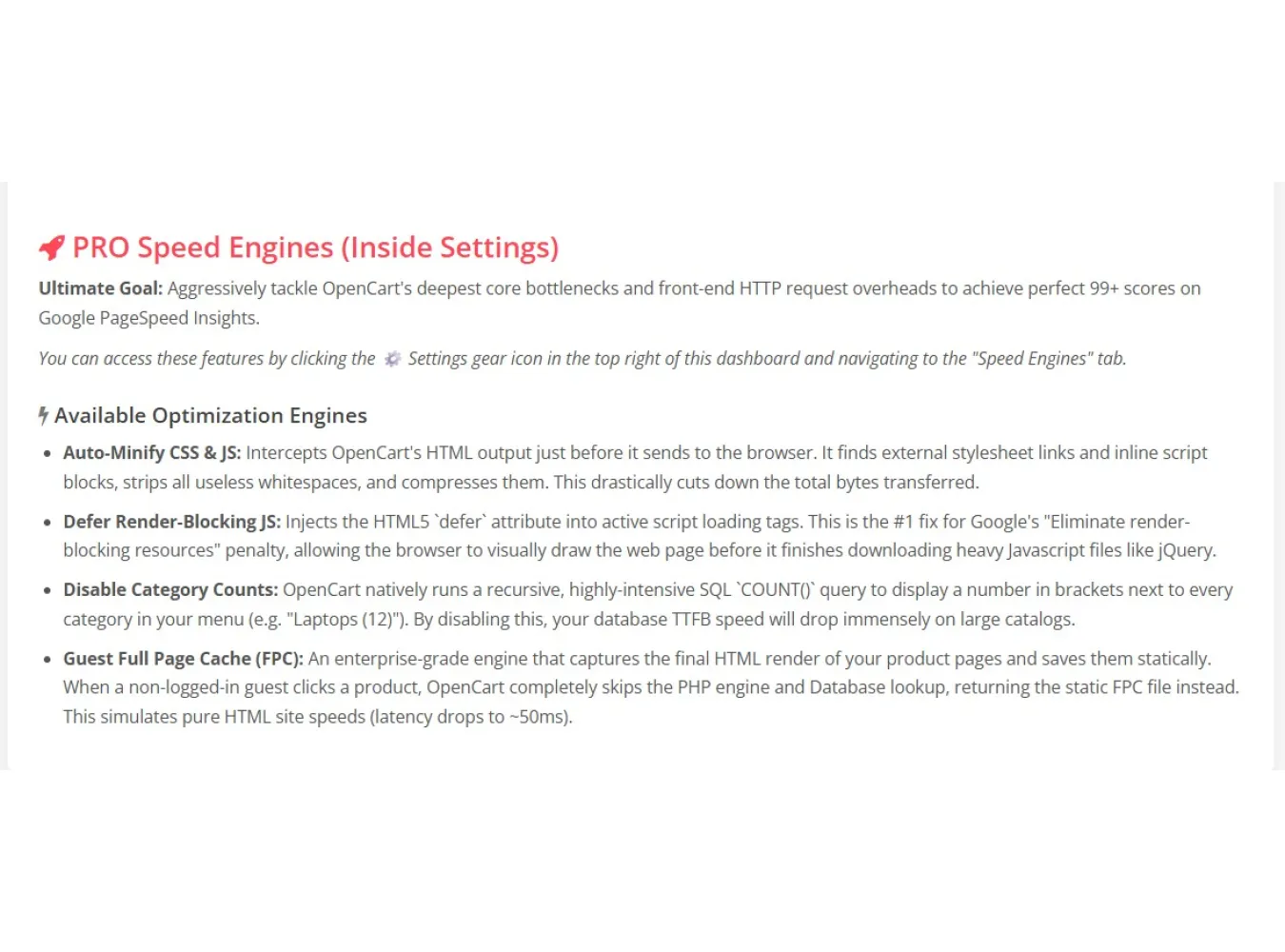
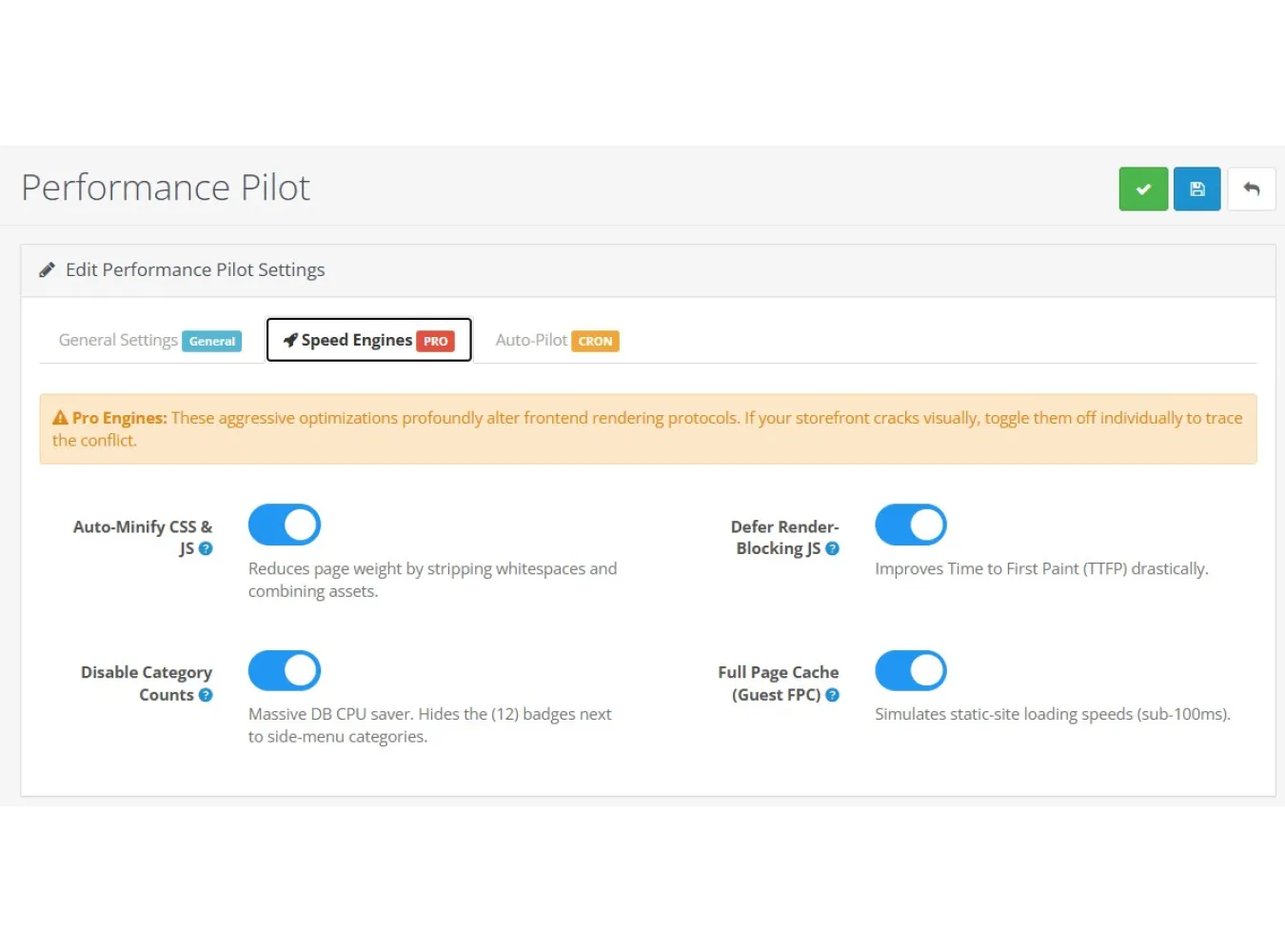
Guest Full Page Cache (FPC): Captures your
PHP/Database output and serves pure static HTML to guest visitors, instantly
dropping page load latency to ~50ms.
Disable Category Counts: Bypasses OpenCart's heaviest
native COUNT() query with one click.
Auto-Minify HTML, CSS & JS: Intercepts OpenCart
outputs, stripping spaces, comments, and compressing files to drastically
reduce HTTP payload sizes.
Defer Render-Blocking JS: Automatically injects HTML5
defer tags to your scripts (intelligently skipping core jQuery) so the browser
can visually paint the site immediately.
Next-Gen Media Engine
Background WebP Generation: Automatically intercepts
the core OpenCart image resizer and forces it to compress product thumbnails
into ultra-lightweight .webp files.
HTML Native Lazy Loading: Injects
loading="lazy" onto your storefront image tags, meaning images only
download when the customer actually scrolls down to them.
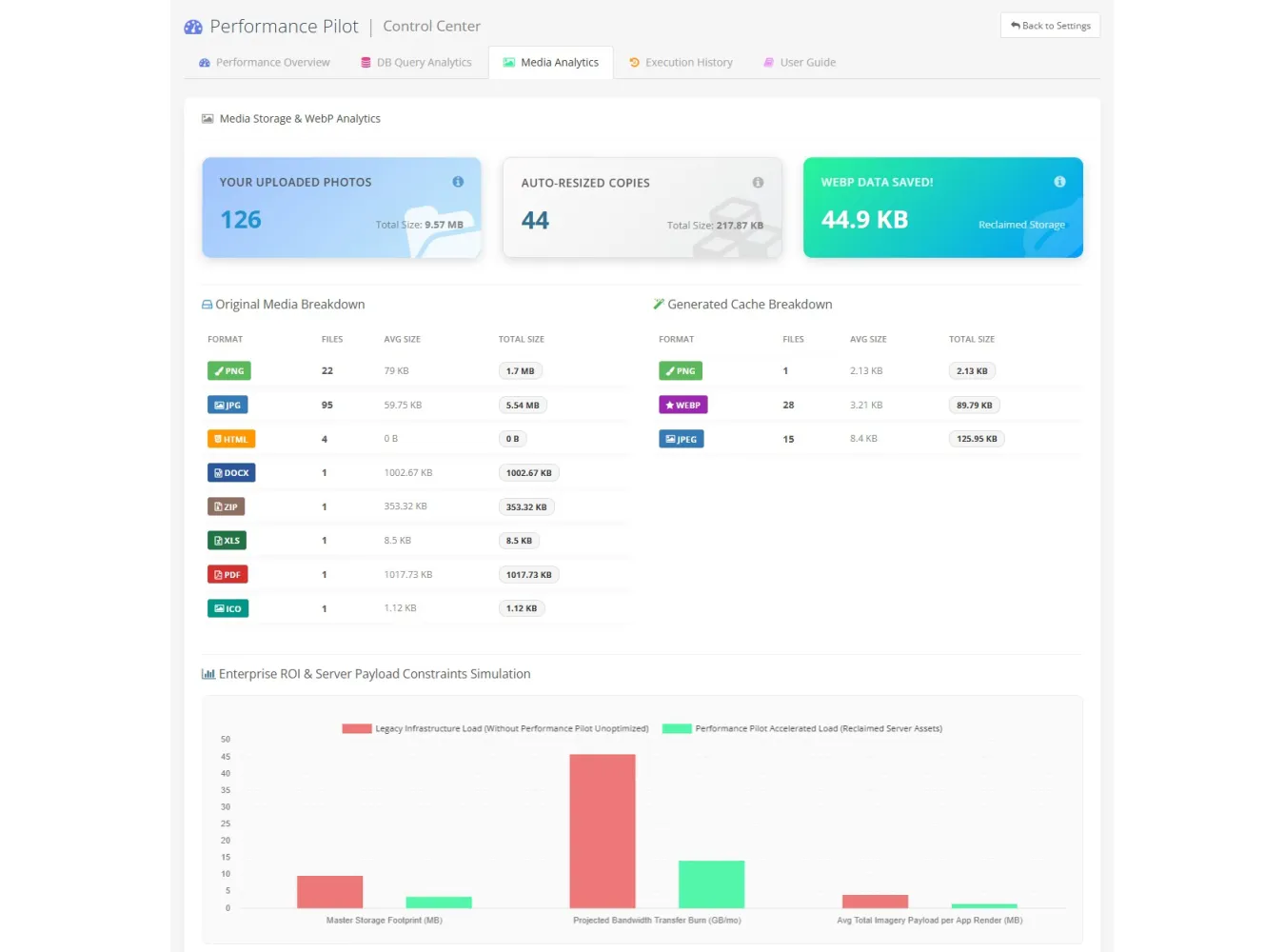
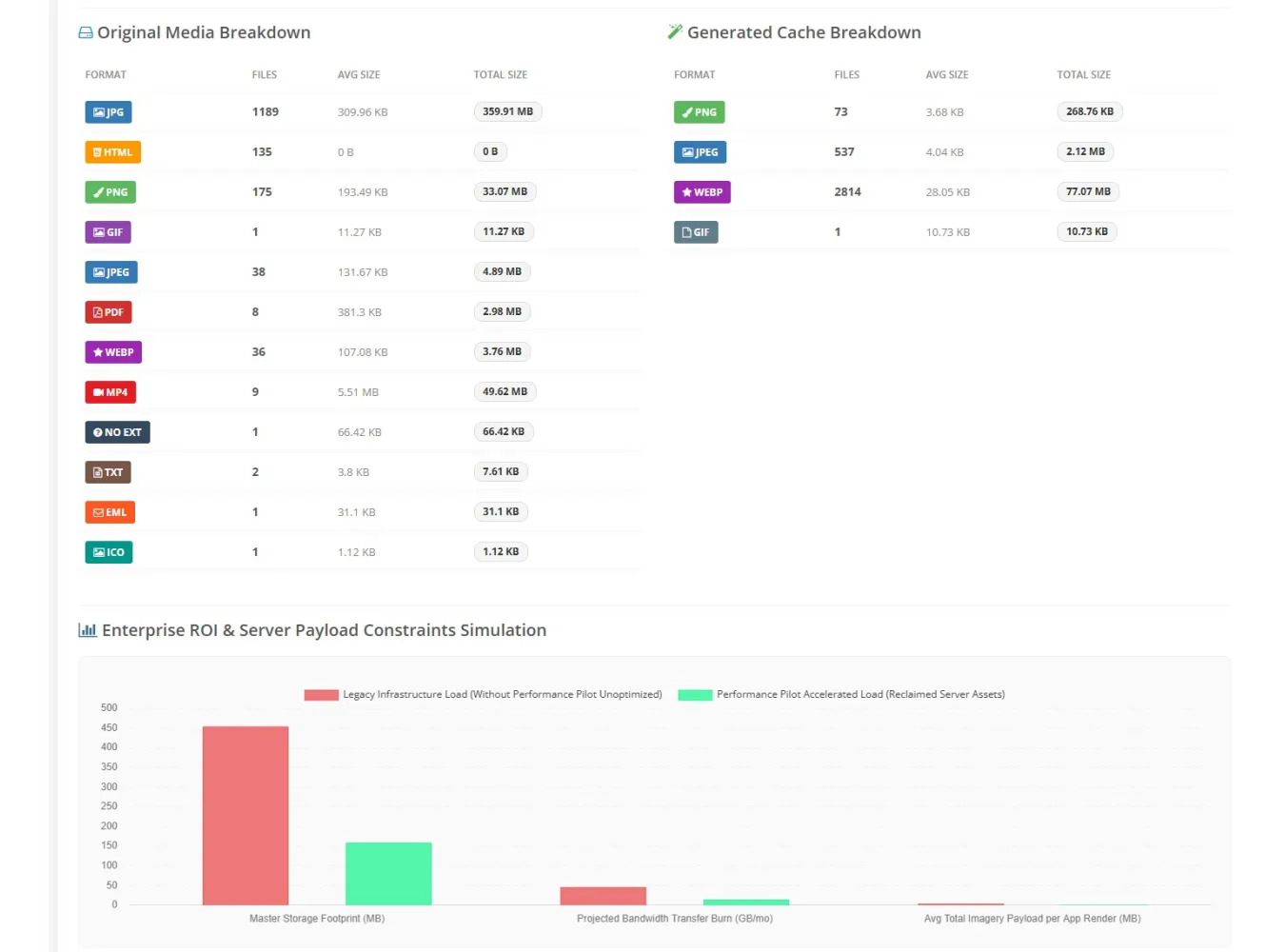
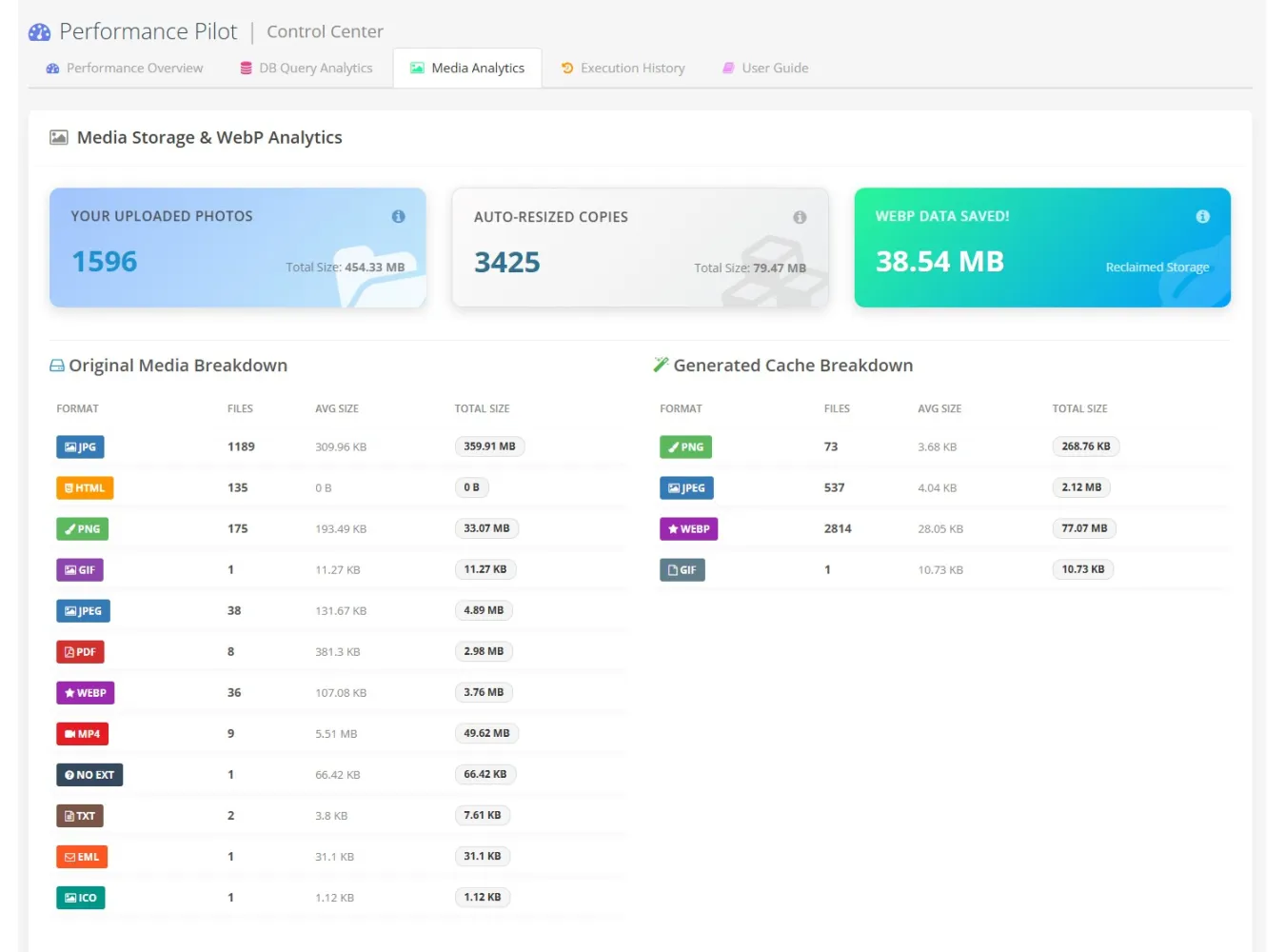
Media Analytics: A visual dashboard breaking down
your exact media footprint (JPG, PNG, WEBP, PDF, DOCX, etc.) with detailed
color-coded badges, showing exactly how many bytes the auto-WebP engine has
saved you.
Performance Control Center
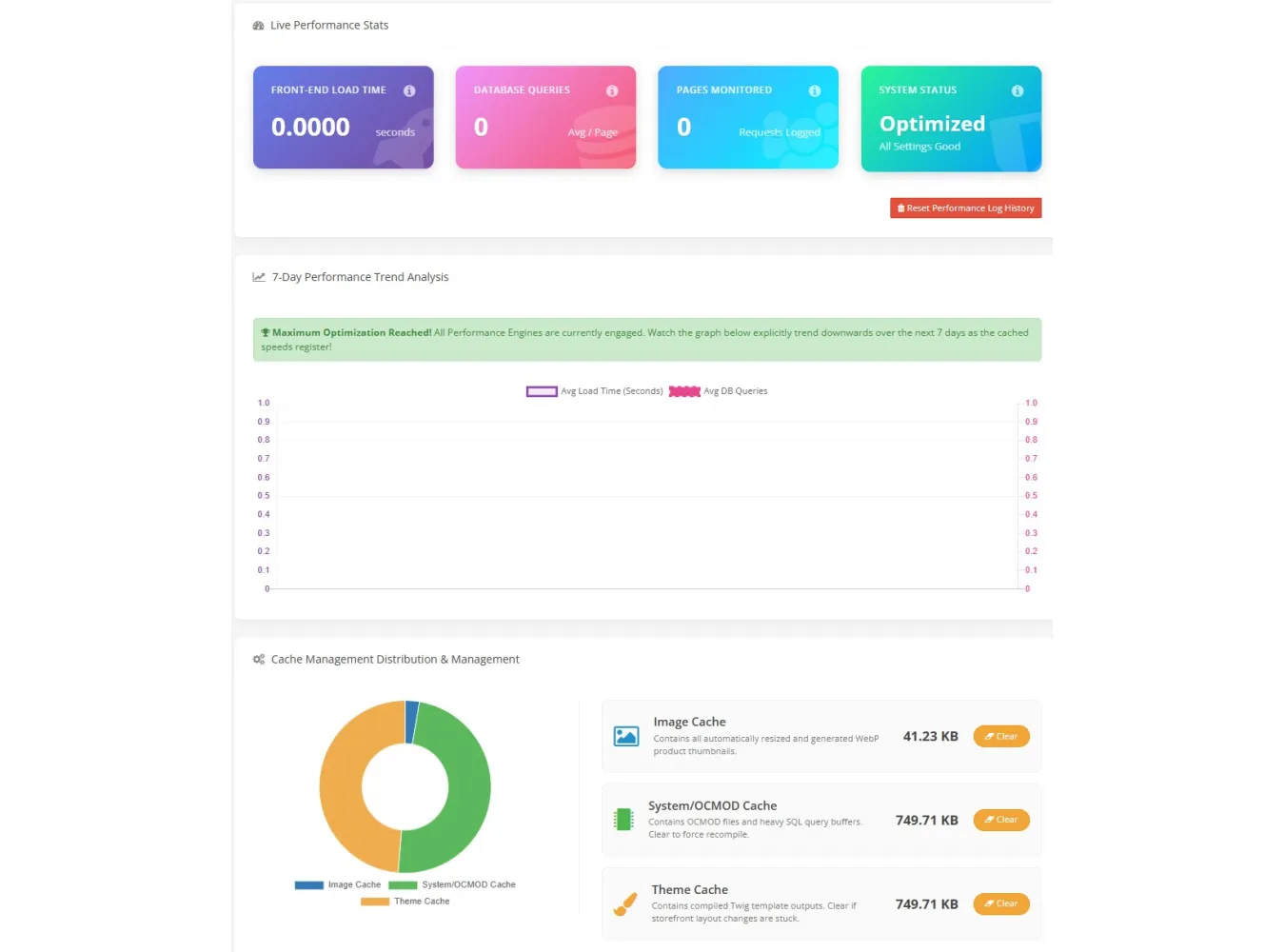
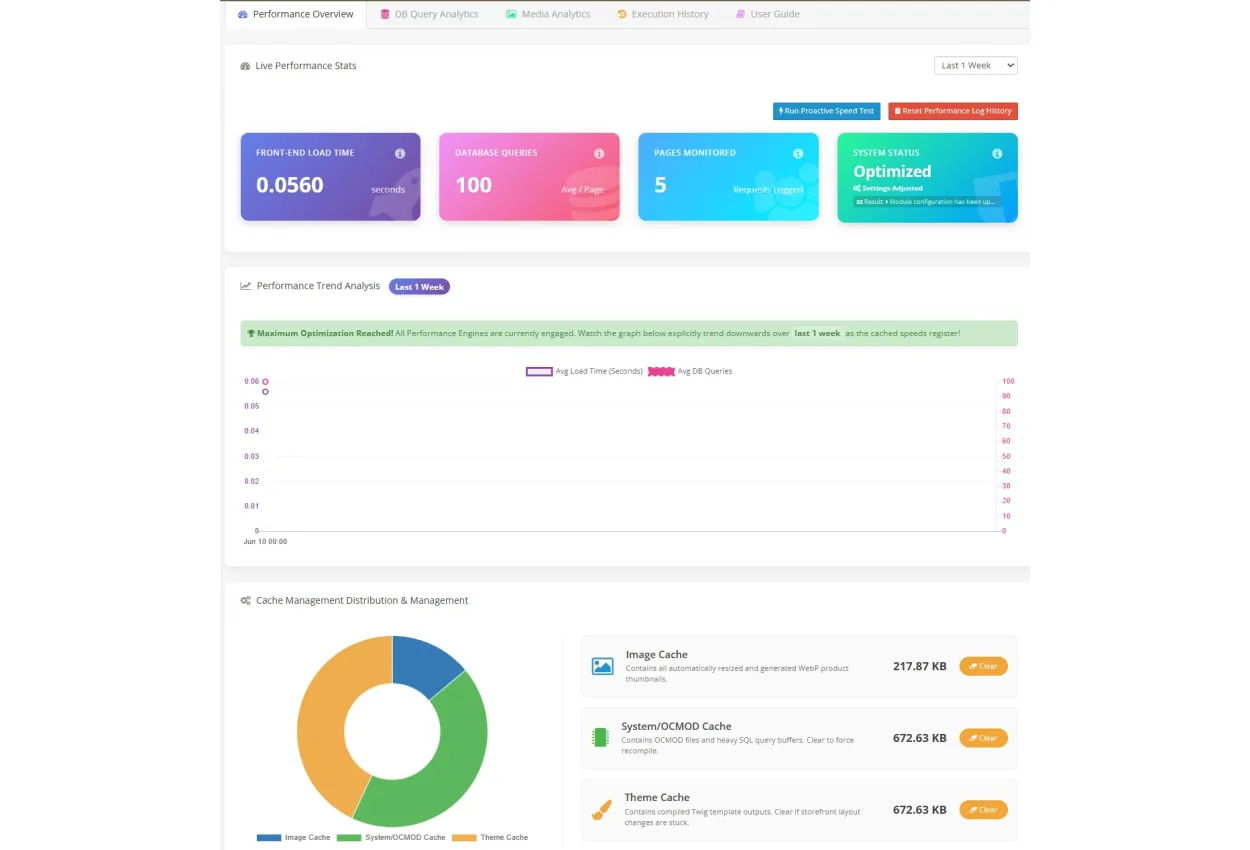
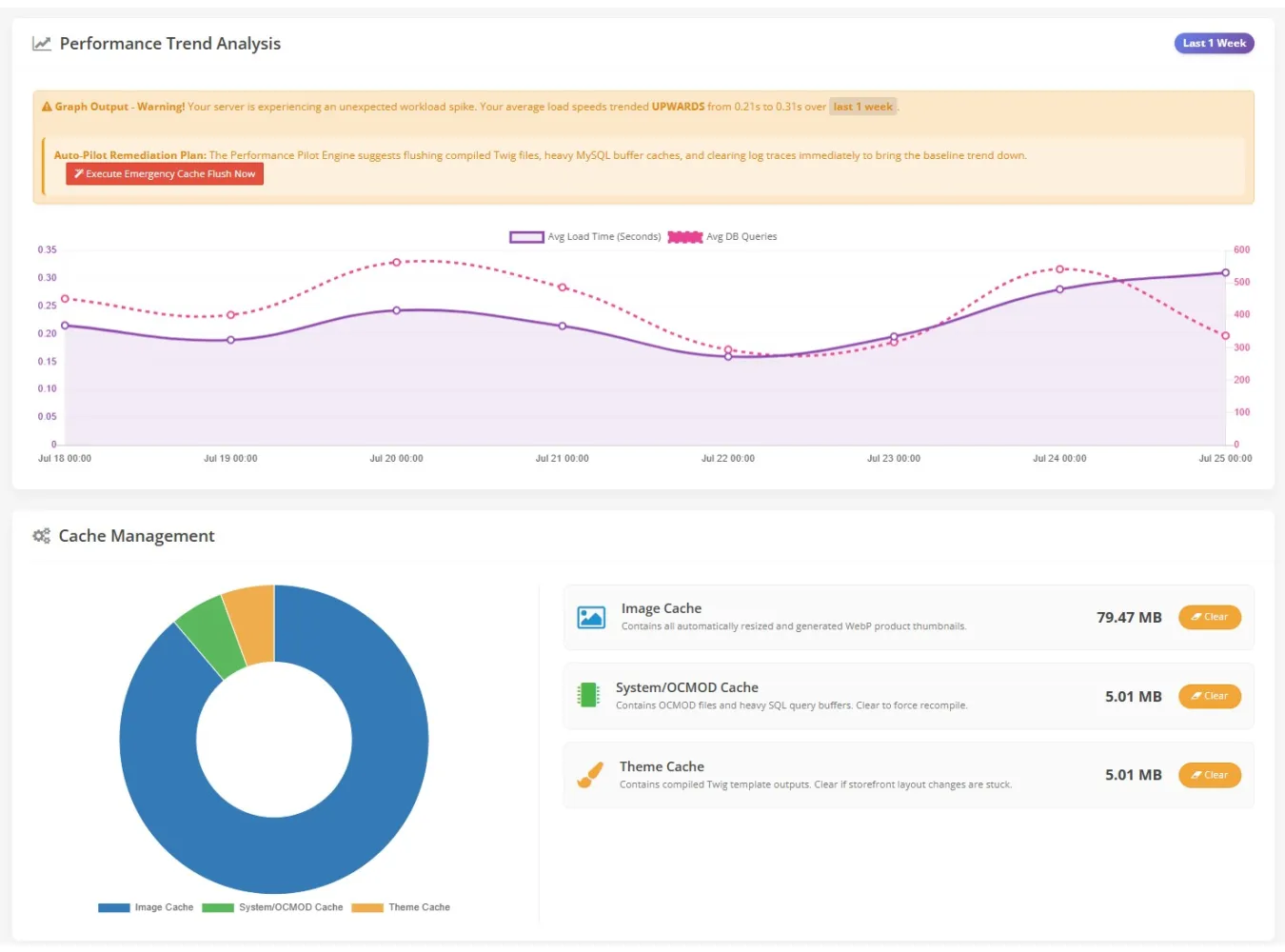
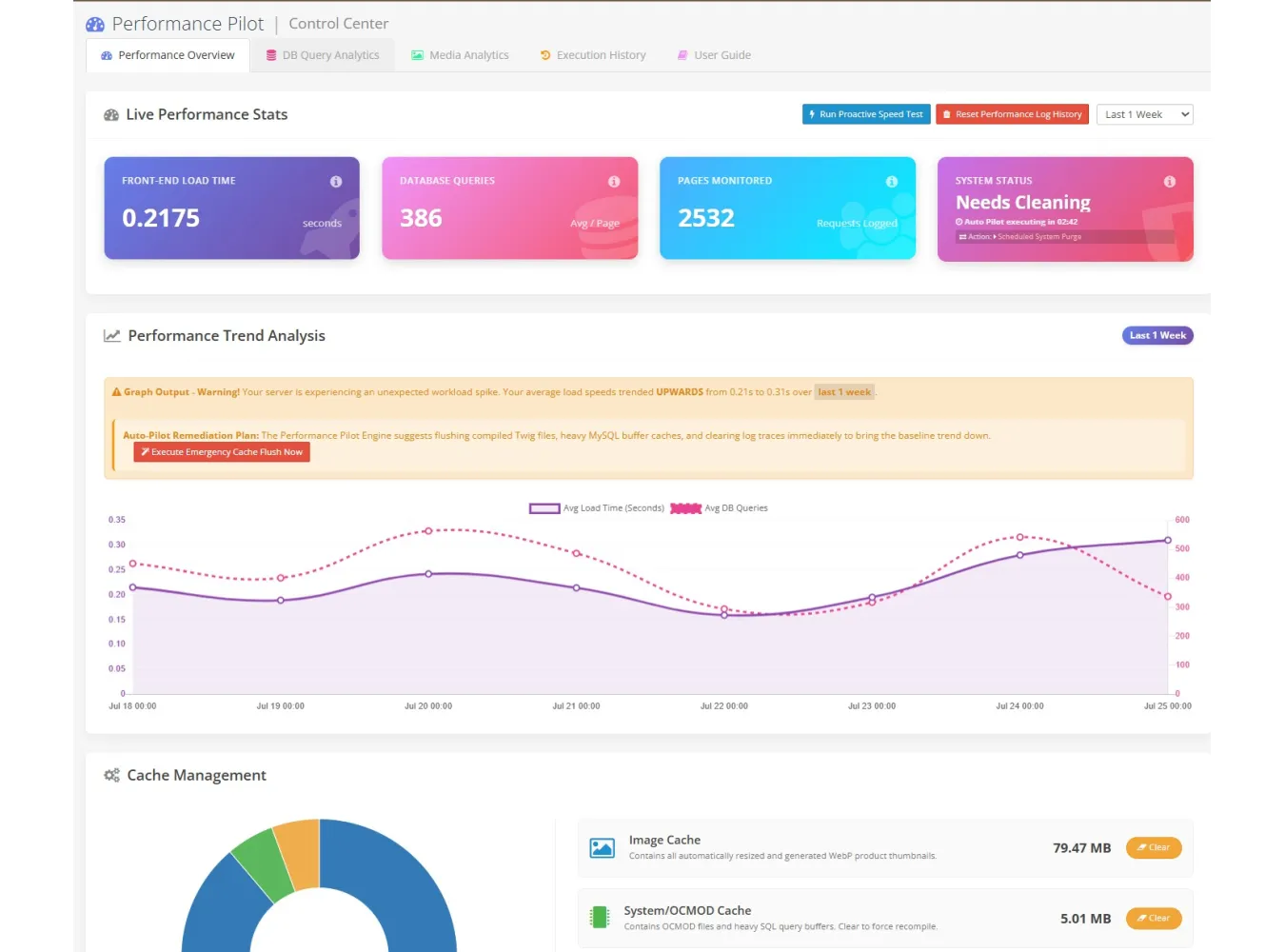
7-Day Trend Analytics: A gorgeous dual-axis Chart.js
graph tracks your Average Load Time vs. Average Database Queries over the week.
Watch the lines visually divebomb the moment you turn on the extension!
1-Click Cache Management: An interactive ring-chart
showing how memory is allocated, alongside instant "Flush" buttons
for Image, System (OCMOD), and Twig Theme caches.
Redis & Memcached Support: Ditch slow file-based
caching. Performance Pilot natively overrides your system to connect to
RAM-based Redis or Memcached instances.
1. How to Install
Performance Pilot uses OpenCart's native OCMOD system. No
core files are permanently overwritten.
Download the extension .ocmod.zip file.
Log into your OpenCart Admin Panel.
Navigate to Extensions > Installer and upload the
.ocmod.zip file.
Navigate to Extensions > Modifications and click
the Light Blue Refresh Button in the top right to rebuild your cache.
Navigate to Extensions > Extensions, filter by
Modules, and locate Performance Pilot. Click the green [ + ] Install
button.
Click Edit to enter the Control Center.
Setup Tip: In the Settings > Speed Engines PRO
tab, turn on FPC, Disable Counts, and WebP generation, then click Save. Go to
your Dashboard tab to see your Smart Guidance Trophy!
2. How to Uninstall (100% Clean)
Unlike bloated extensions that leave garbage in your
database, Performance Pilot guarantees a flawless, 100% clean teardown.
Navigate to Extensions > Extensions (Modules).
Click the red [ - ] Uninstall button next to
Performance Pilot.
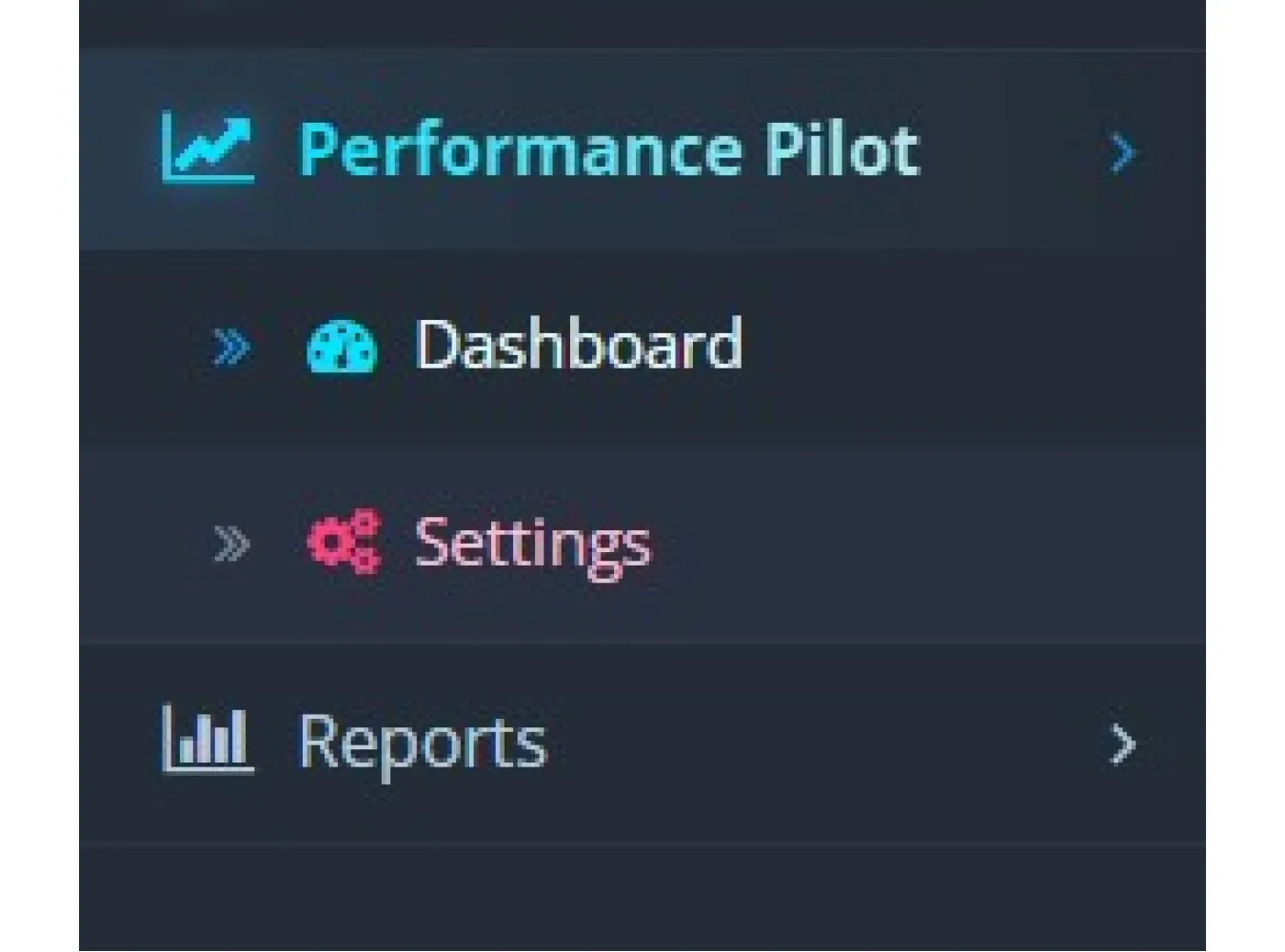
Behind the scenes: This automatically drops our
custom tracking tables, permanently wipes our configurations from your
oc_setting database, and removes the Admin left-menu hook.
Navigate to Extensions > Installer and delete the
Performance Pilot upload.
Navigate to Extensions > Modifications and click
the Refresh Button.
Your store is now exactly as it was before installation,
with zero residual code remnants left perfectly untouched as it was before
installation!
Performance Pilot
Related Products

New Tab In Product Page
Normal 0 false false false EN-US JA X-NONE Extension Description The New Tab in Product Page e..
SGD$0.00

Quick Product Editor Pro v2.8
Normal 0 false false false EN-US JA X-NONE Extension Description Stop wasting time with endles..
SGD$20.00 SGD$34.00

Ultimate Live Security Suite 360 v10.6 for OC 3.X
Ultimate Live Security Suite 360 v10.6 Supported OC Ver 3.X The Ultimate Security & Analy..
SGD$600.00

Grid Banner Pro v3.7
Grid Banner Pro Version 3.7 The Ultimate Visual Layout Builder for OpenCart 3.x.x.x Stop settling fo..
SGD$55.00